Add Village Fairways to your phone's Home Screen to open it like any other app.
What you get
When you add Village Fairways to your Home Screen, you get these benefits:
- An icon on your phone, next to your other apps.
- A full-screen view, without the browser's address bar.
- A quick way to open Village Fairways.
- Phone notifications when you book and before your tee time, after you turn them on in Account.
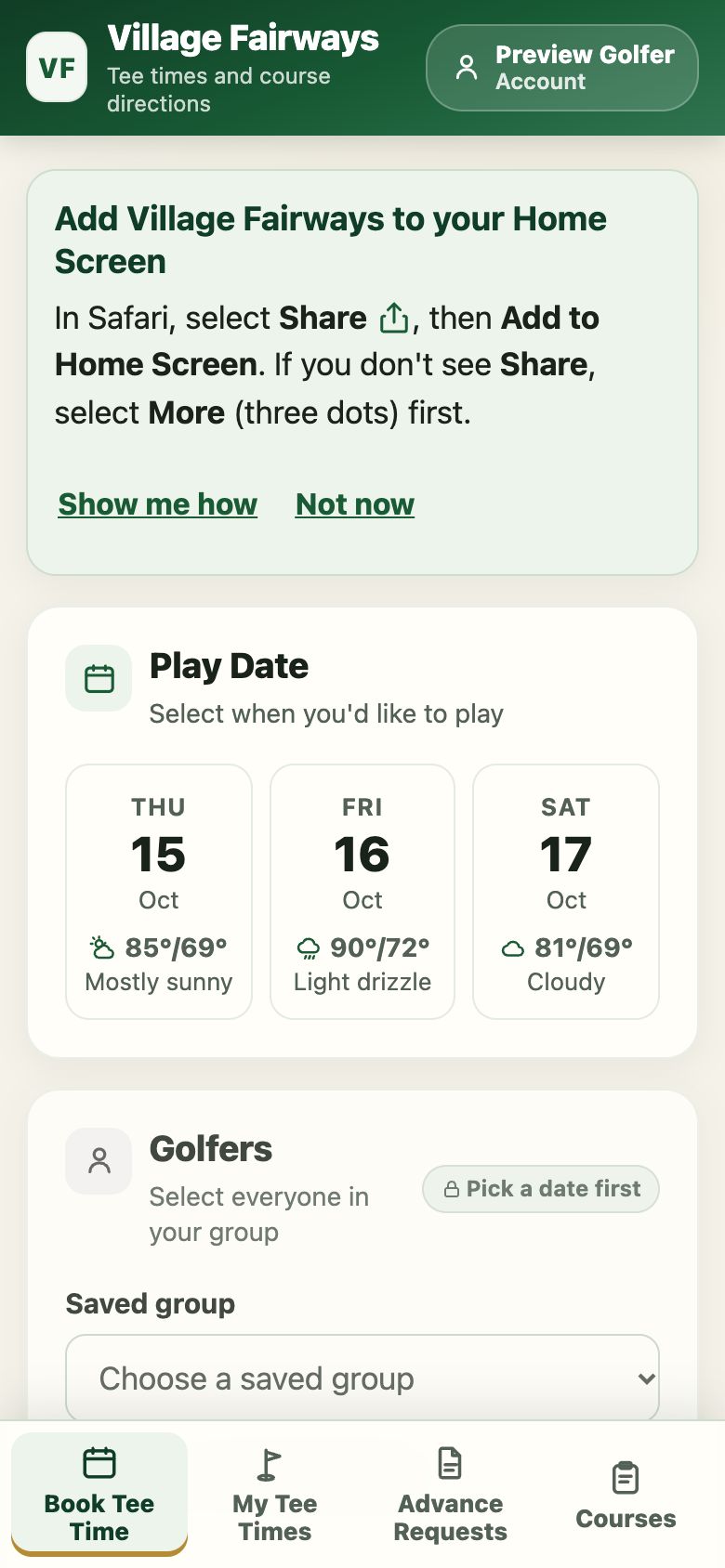
iPhone or iPad with Safari
To add Village Fairways to an iPhone or iPad, follow these steps:
- Open villagefairways.com in Safari.
- Select the Share button . On an iPhone it's at the bottom of Safari. On an iPad it's at the top.
- If you don't see Share, select the More button (three dots) next to the address bar, then select Share.
- Scroll the list of actions to find Add to Home Screen.
- Select Add to Home Screen.
- If you see Open as Web App, leave it turned on.
- Select Add.
- Open Fairways from your Home Screen.
- Sign in once more. The Home Screen app keeps its own sign-in on iPhone and iPad.
iPhone or iPad with Chrome
To add Village Fairways to an iPhone or iPad from Chrome, follow these steps:
- Open villagefairways.com in Chrome.
- Select the Share button in the address bar.
- Select Add to Home Screen.
- Select Add.
- Open Fairways from your Home Screen.
- Sign in once more. The Home Screen app keeps its own sign-in, separate from Chrome.
Other iPhone browsers, such as Edge and Firefox, use the same steps from their own Share menu.
Android phone
To add Village Fairways to an Android phone, follow these steps:
- Open villagefairways.com in Chrome.
- Open the Chrome menu (three dots).
- Select Install app or Add to Home screen.
- Select Install.
- Open Fairways from your Home Screen or app list.
If Chrome shows an Install button at the bottom of the screen, you can select it instead.
On a computer
In Chrome or Edge, an install button appears in the address bar. Select it to add Village Fairways as an app on your computer.
If something doesn't work
Use these answers if the steps don't match what you see:
- You don't see Add to Home Screen: Make sure you're in Safari or Chrome. Scroll down the list of actions, because the option might be further down the list.
- You don't see the Share button: Select the More button (three dots) next to the address bar, then select Share.
- The app opens with Safari's address bar: Remove the icon, add it again, and leave Open as Web App turned on.
- The app asks you to sign in again: This is expected on iPhone and iPad. Sign in once, and the app stays signed in for about a month.
- You see the "You're offline" page: Check your Wi-Fi or cellular connection, then select Try again.
- You want to remove it: Press and hold the icon, then select the option to remove the app.
For help with booking, read the Village Fairways user guide.